 Rafa
1
Where do I start
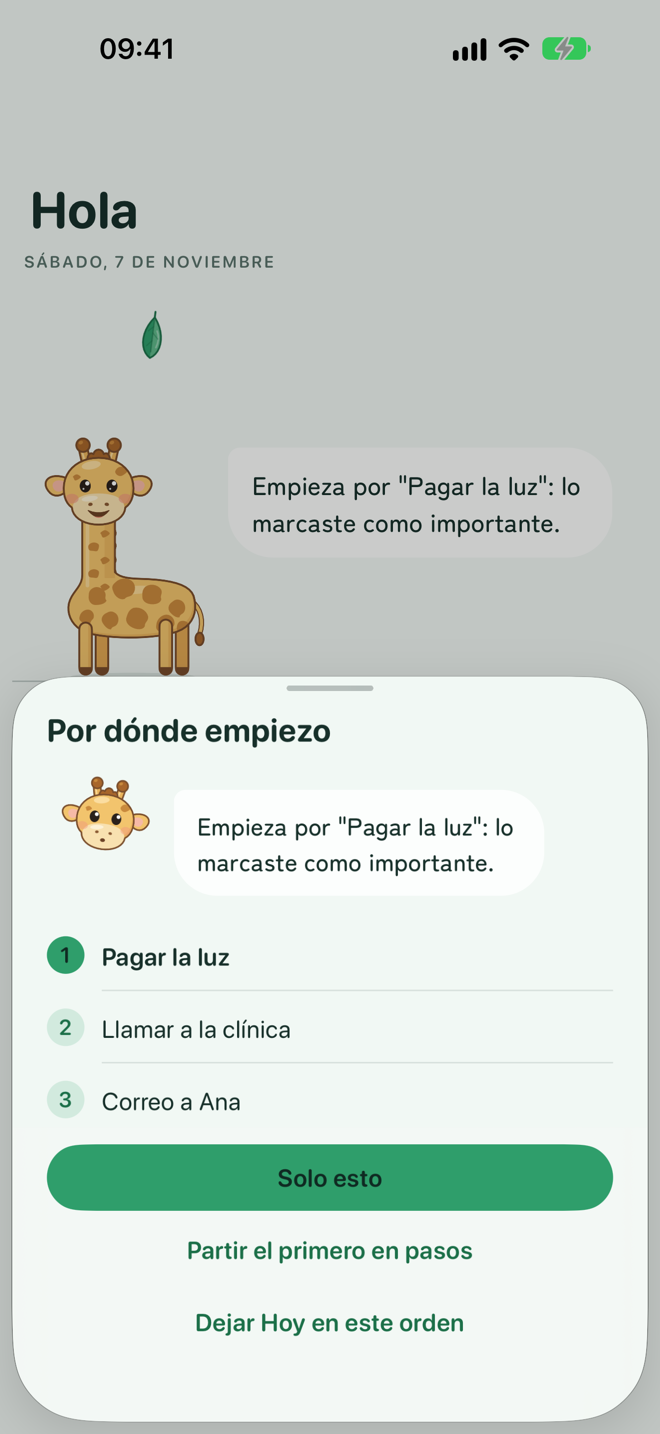
Rafa sorts today and picks the first one for you. And tells you why: "it's for today at 10", "it's been waiting 3 days", "you marked it as important". She thinks on your iPhone; if you want, she asks the AI for a second opinion.
For iPhone and iPad. Coming to the App Store
Your head is full and you can't pick one. It's not a lack of will: it's that nobody tells you where to start, or makes it small enough.

Hi, I'm Rafa. I help with the first step, the one that costs the most.
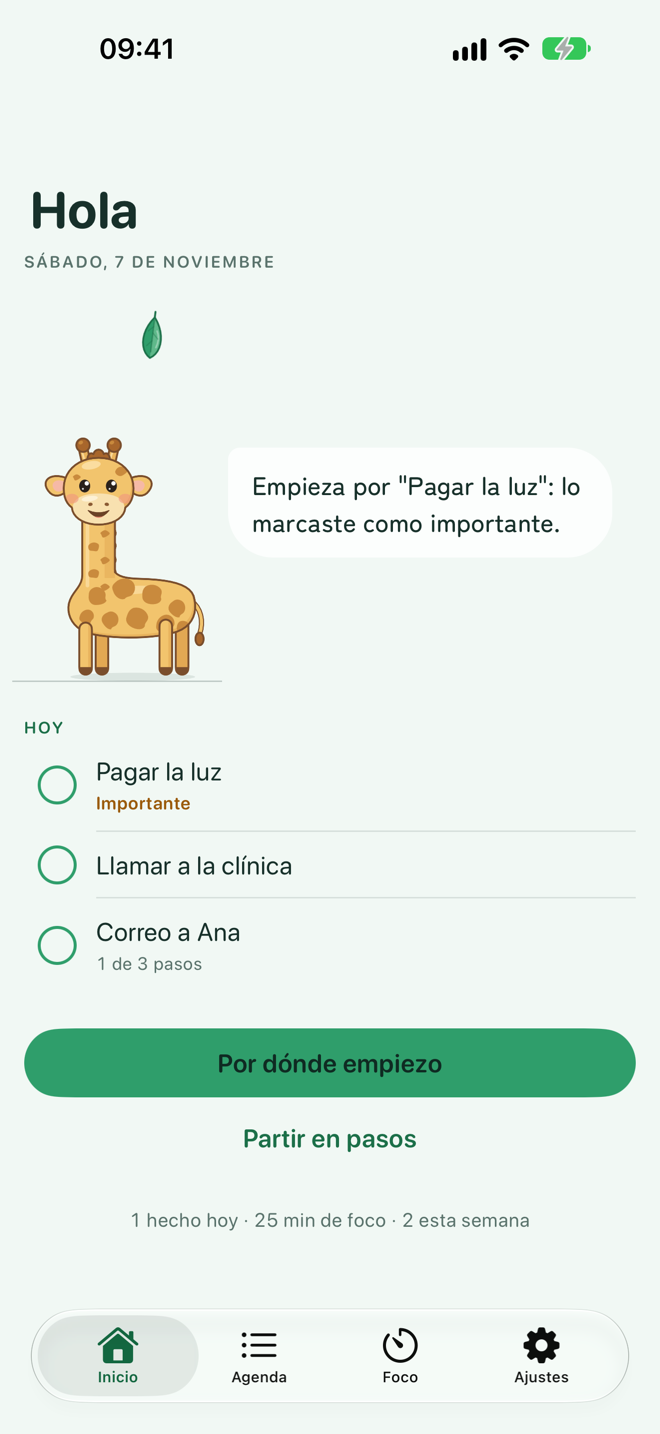
Three things. None of them requires sorting anything.
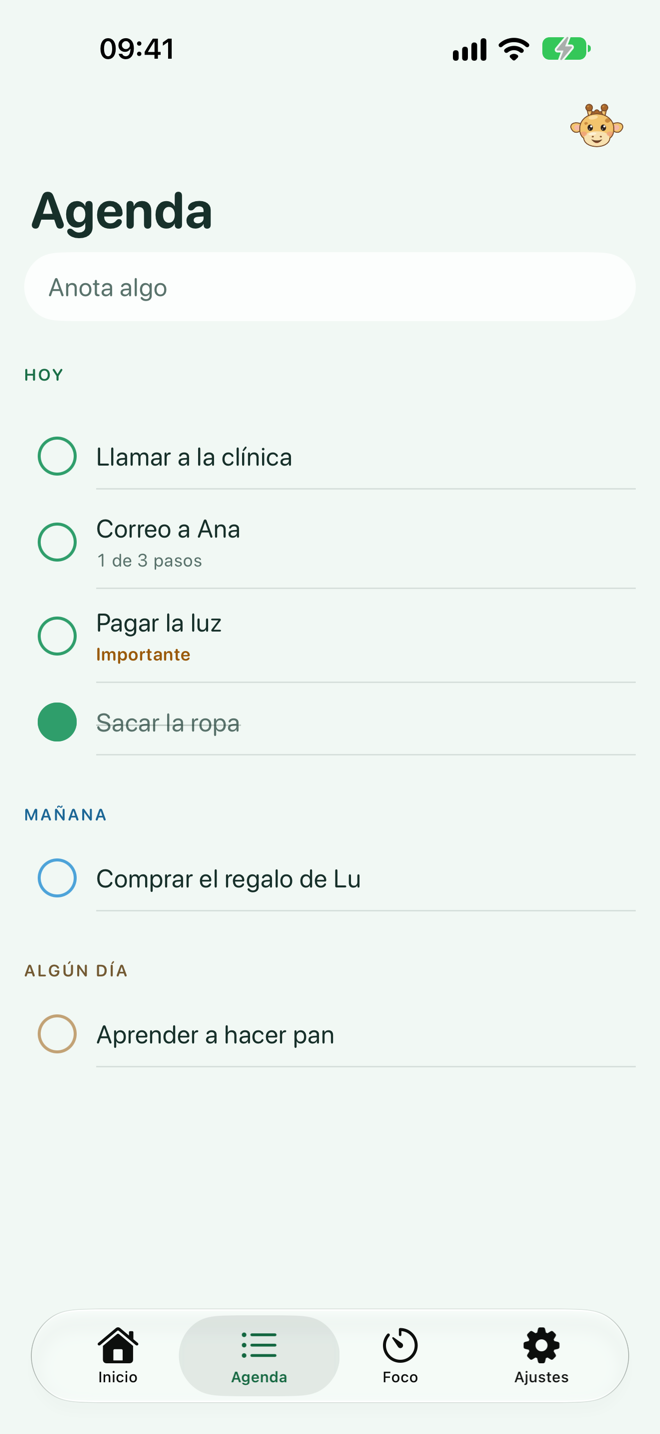
Try it here: check all three
This is how a day looks in Rafa: no number judging you. Just how far she is from the leaf.
Six things, in this order. The first two always work, with or without internet.
1
Rafa sorts today and picks the first one for you. And tells you why: "it's for today at 10", "it's been waiting 3 days", "you marked it as important". She thinks on your iPhone; if you want, she asks the AI for a second opinion.
2
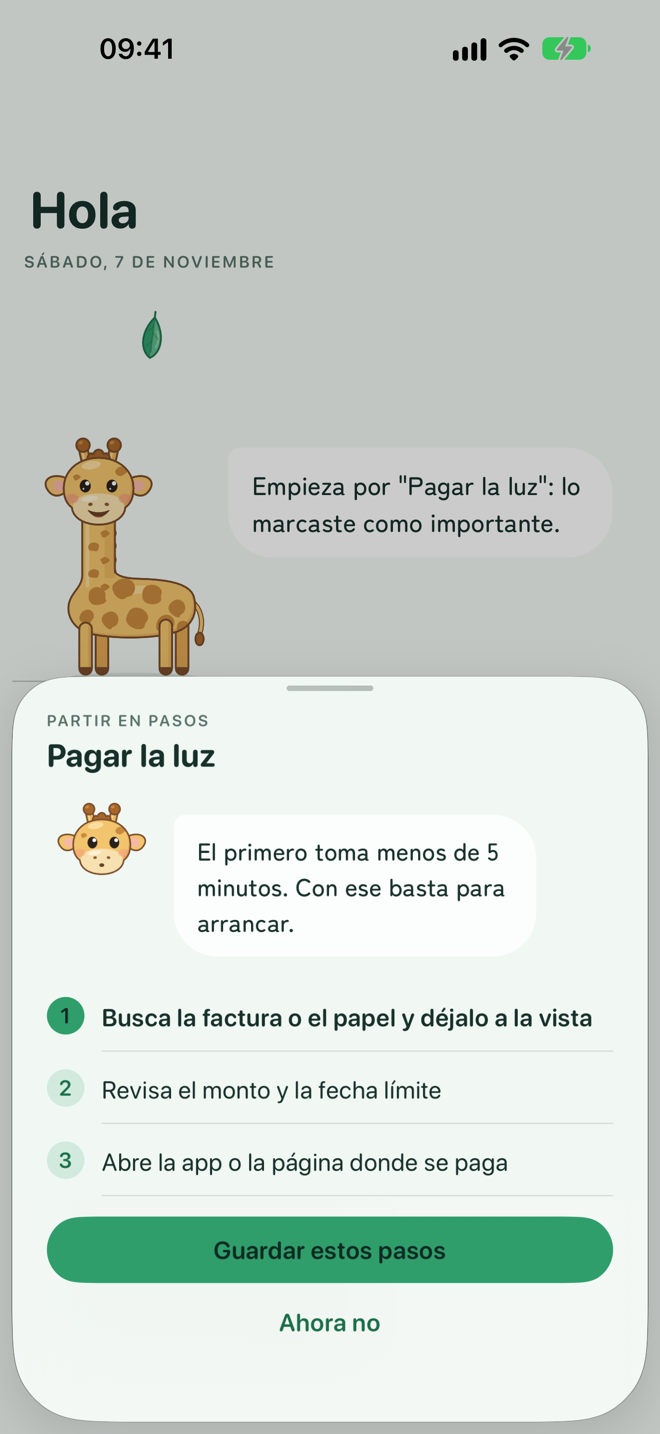
Makes it small. Any task becomes 3 to 5 steps, and the first takes less than 5 minutes: "find the bill and keep it in sight". Steps are saved and checked off one by one.
3
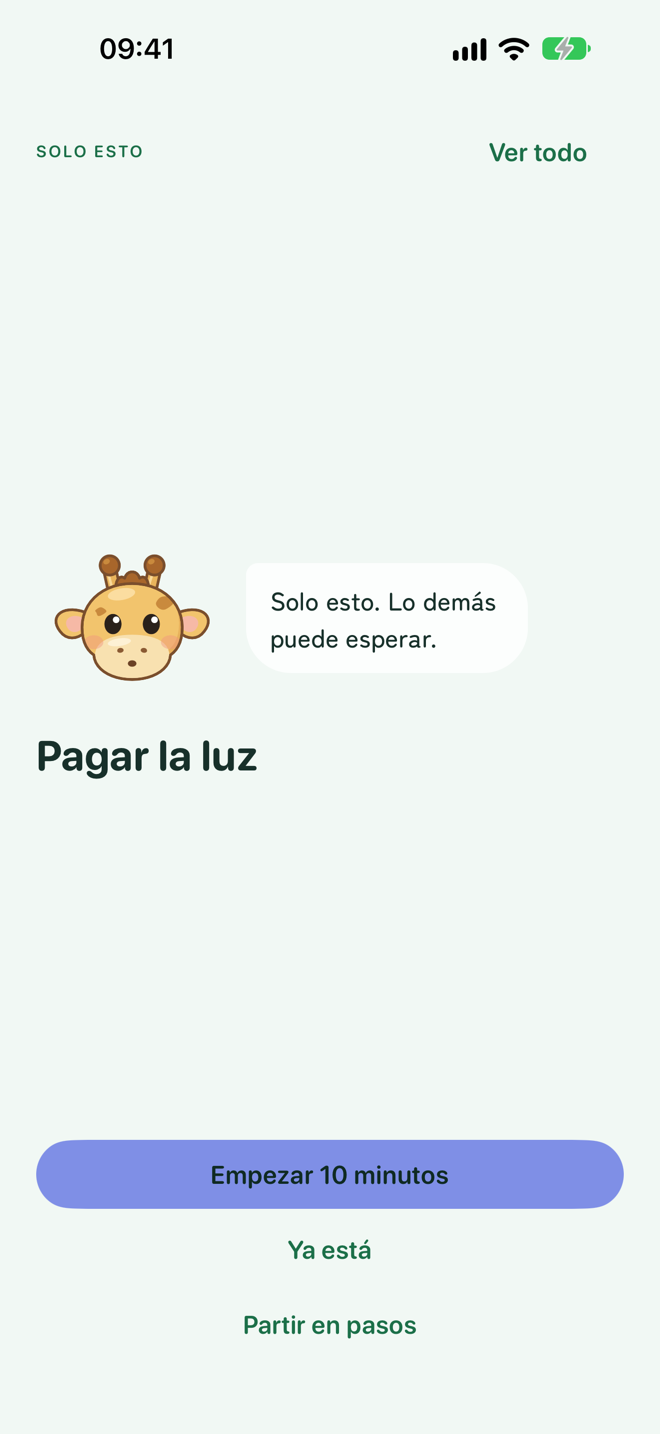
One task, full screen, its next step and one button: "Start 10 minutes". Everything else disappears until you're done. For when seeing the whole list freezes you.
4
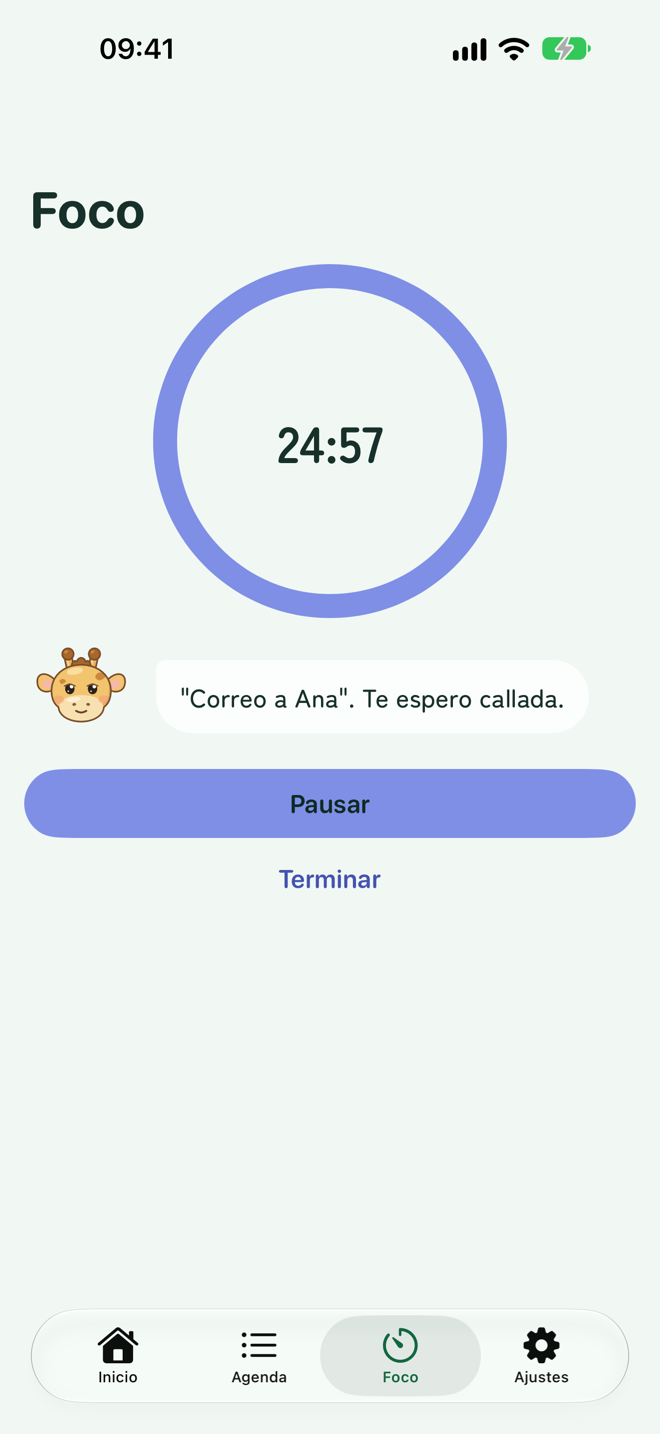
10, 15 or 25 minutes, tied to a task if you like. Rafa waits quietly, watches the clock and tells you when it's over, on the lock screen too. Then, a break.
5
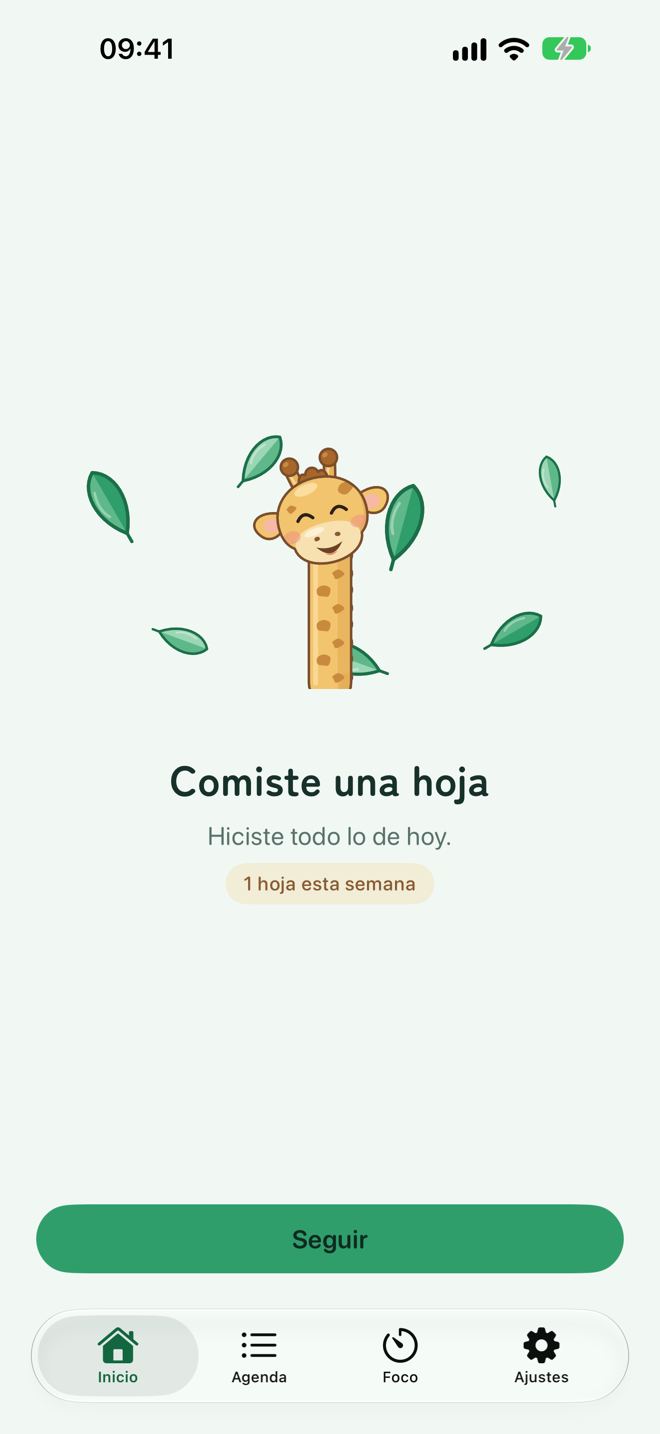
It counts what you did, never what you didn't. No streaks to break. With every thing you do, Rafa stretches her neck toward her leaf; finish today's list and she eats it.
6
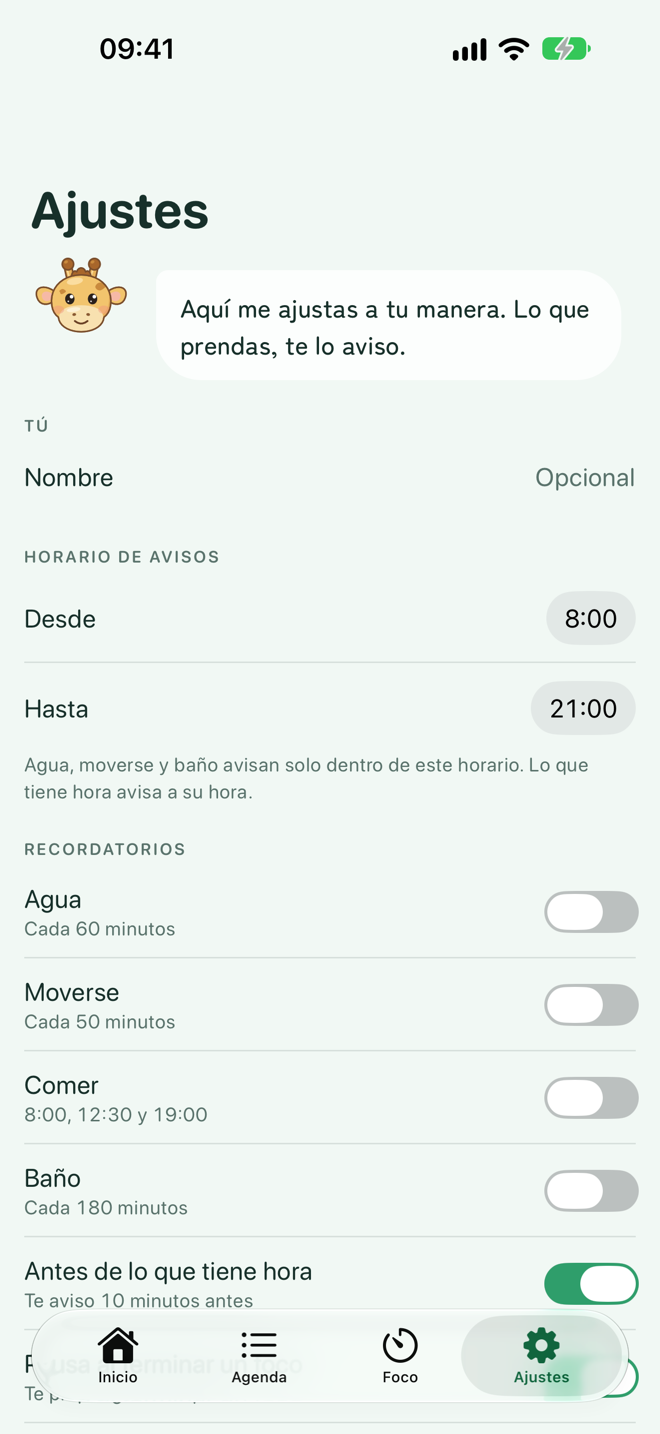
Water, move, eat, bathroom, close the day. Turn them on with a tap; they come on your schedule and never in the middle of a focus. One at a time, no nagging.
Just as important as what it does.
She's young, has a long neck and a leaf to earn every day. She doesn't scold, push or get disappointed. Her face changes with what's going on.






You checked off 4 today. That counts.
It's 5 minutes. Just open the file.
Break. Water, stretch, look far away.
Done for today. Whatever's left, tomorrow.
Rafa is free and complete. Pro adds what costs money to run, or what's pure delight.
Pay monthly, yearly with a 7-day free trial, or once, forever. The price shows in the App Store, in your currency.
Rafa has no account, no analytics, no ads and nobody watching. What you write stays on your device; with Pro, in your private iCloud too. The one exception is the text you send to the AI, which travels to answer you and isn't stored.
I don't need to know who you are to help you.
No. Rafa opens and works. No email, no password, nothing that identifies you.
Rafa is for anyone who finds starting hard. Many people with ADHD feel that way every day, and the app was designed listening to them. It isn't a medical tool and doesn't replace a professional: it's a giraffe that tells you where to start.
Two things, nothing more: sort today and break a task into steps. Rafa does it first on your iPhone, offline. If you turn on AI in Settings, she asks for a second opinion: only the text of the tasks you're looking at travels, gets processed and comes back. Nobody stores or reads it. You get a few free hints a day; Pro has more.
Yes, all of it. Only the AI needs a connection, and without it Rafa answers anyway, with her own thinking.
Spanish, English, French, Portuguese and Japanese. Rafa speaks your iPhone's language.
iPhone and iPad for now, with iOS 18 or later. What comes next is up to the people who use it.
One person: Rigel Rebolledo, from Chile, who built it out of need. Ideas or bugs: hola@rafalajirafa.app.
Rafa reaches the App Store in late January 2027. If you'd like to try it early, or to hear when it's out, write to me. No form, no mailing list: it's an email, and I answer it.